
Use Cases

All-in-one support platform

Collaborative shared inboxes

Personalized service at scale
AI Platform

Beyond happy-path automation

AI help that actually gets complexity
Make sure your AI agents measure up
Let any AI agent join the team
More Features

All the channels, zero chaos

Complexity in, clarity out

Chat people don’t hate

Stop answering déjà vu

Escape from tab hell



Stop juggling tools. Start running the show with Front’s API and 160+ integrations
Too many channels. Too many tools. Too much at stake. Front combines omnichannel communication with a flexible API and integrations, helping teams integrate their CRM, apps, and workflows, so complex customer work stays controlled, connected, and accountable.
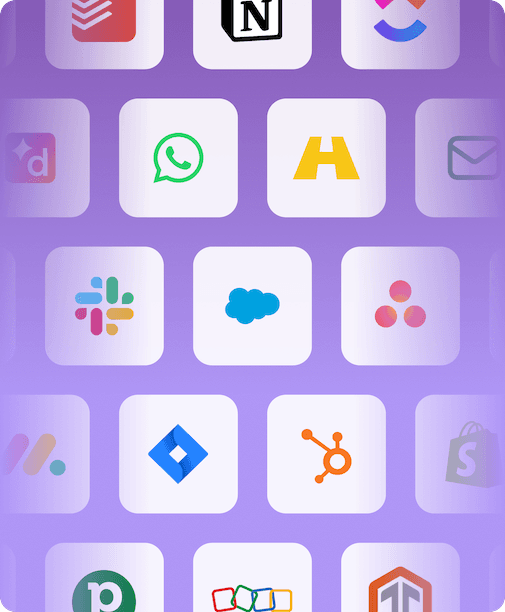
Managing tools and channels in most help desks feels like a circus. Let Front be your ringmaster.

All the conversations, one place to run them, and no dropped threads when customers bounce between channels.

Order, project, and account data drive smarter AI automation, handling the simple and complex inquiries with ease.

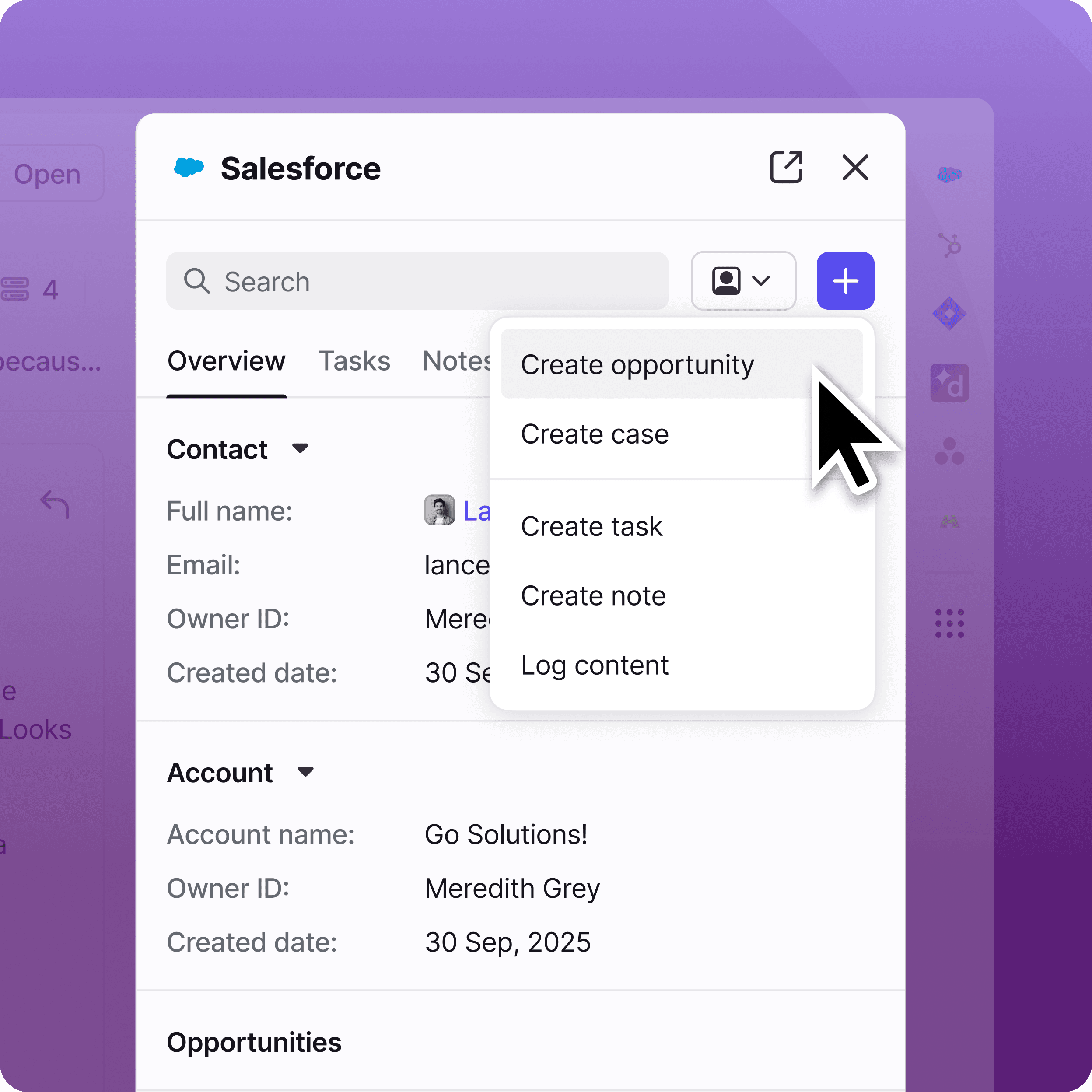
See the right details from your CRM, TMS, or other external system right in Front, so answers hold up under pressure.
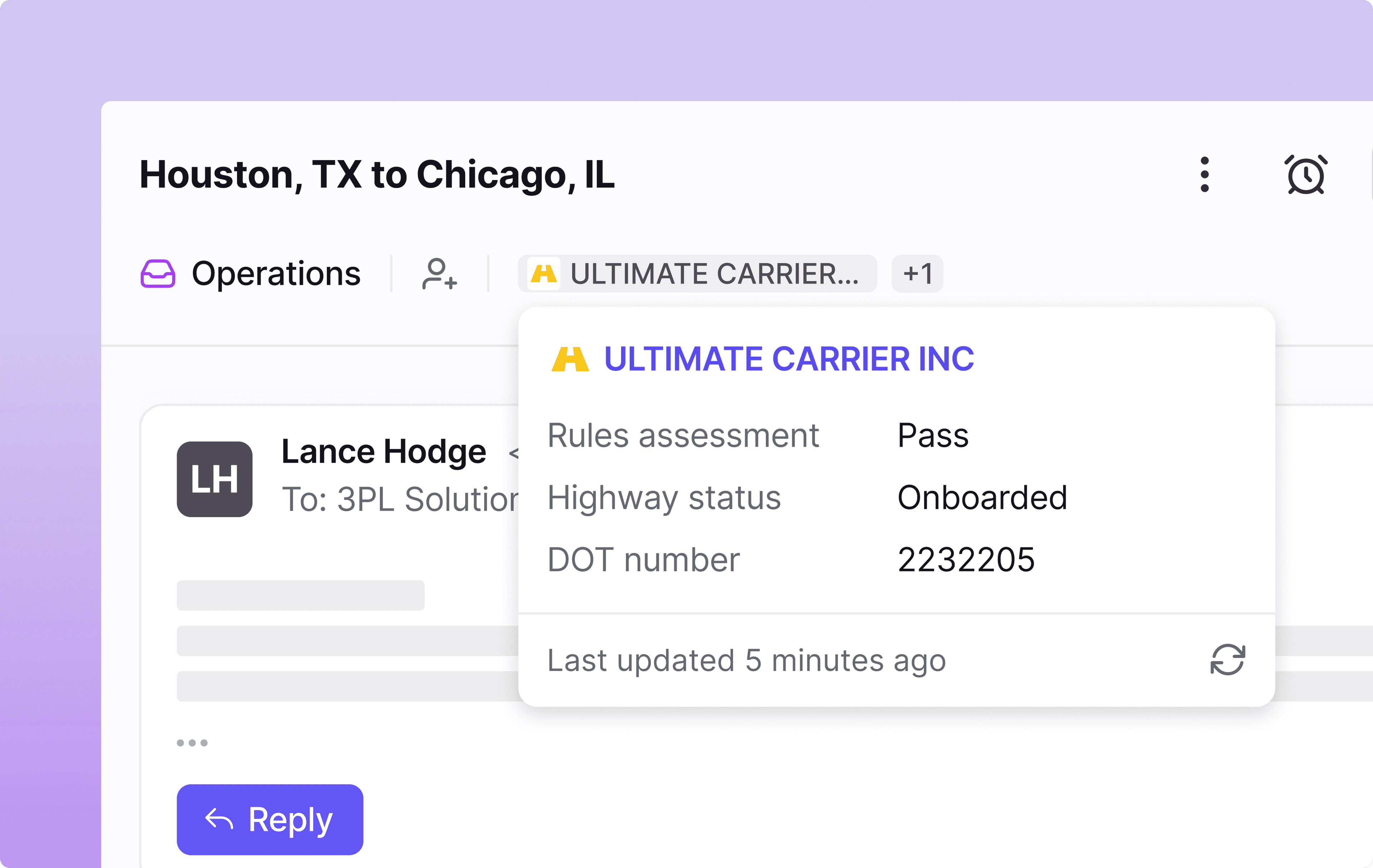
The only platform built to run customer operations across teams and tools
Connect teams, systems, and workflows in one platform built for real-world complexity.


Mary Ochs HEAD OF CUSTOMER SUPPORT
Meet the platform simplifying the work behind complex customer workflows with powerful integrations and an open API
Skip the channel hopscotch.
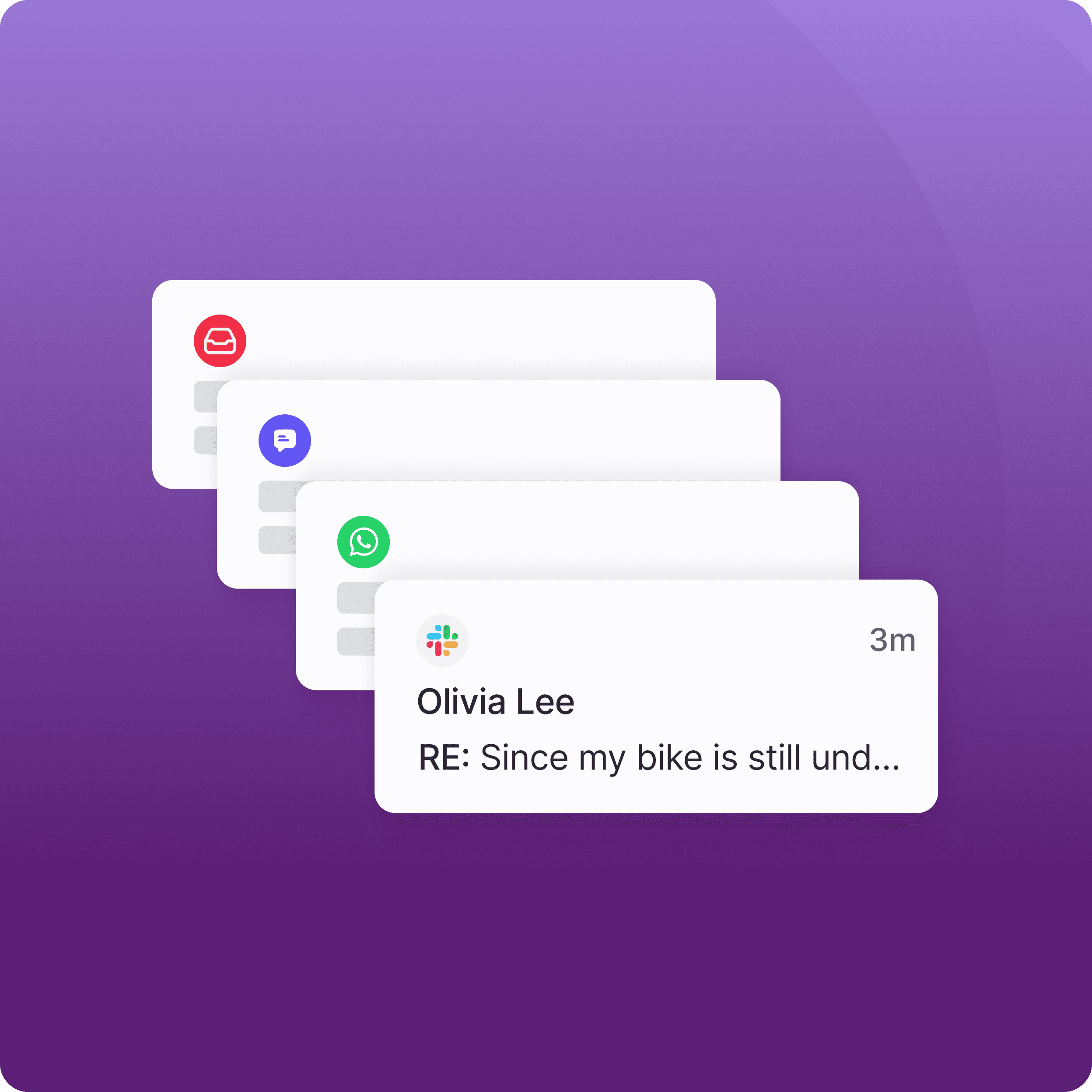
Put AI to work across all your channels and systems.
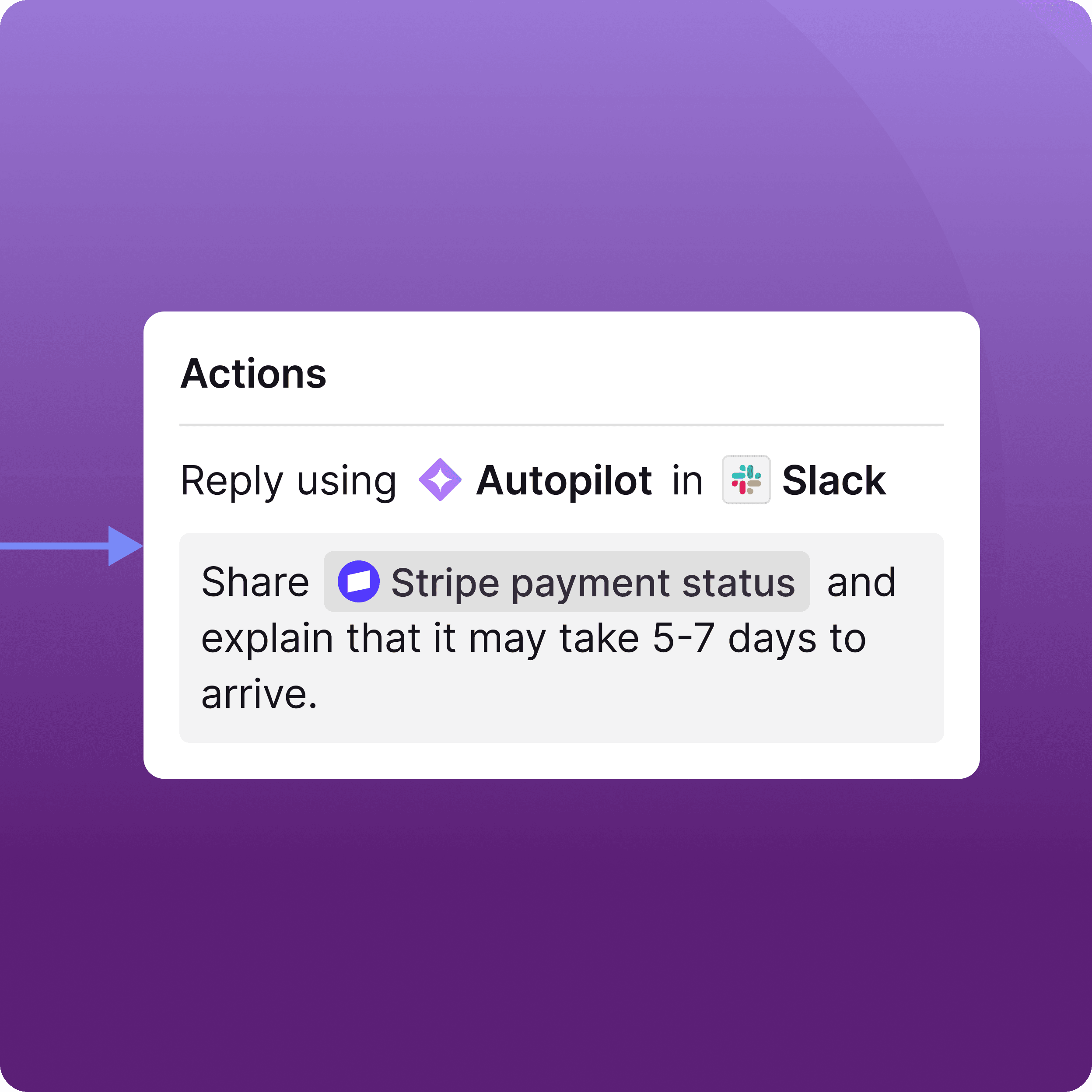
Get context without the swivel chair.
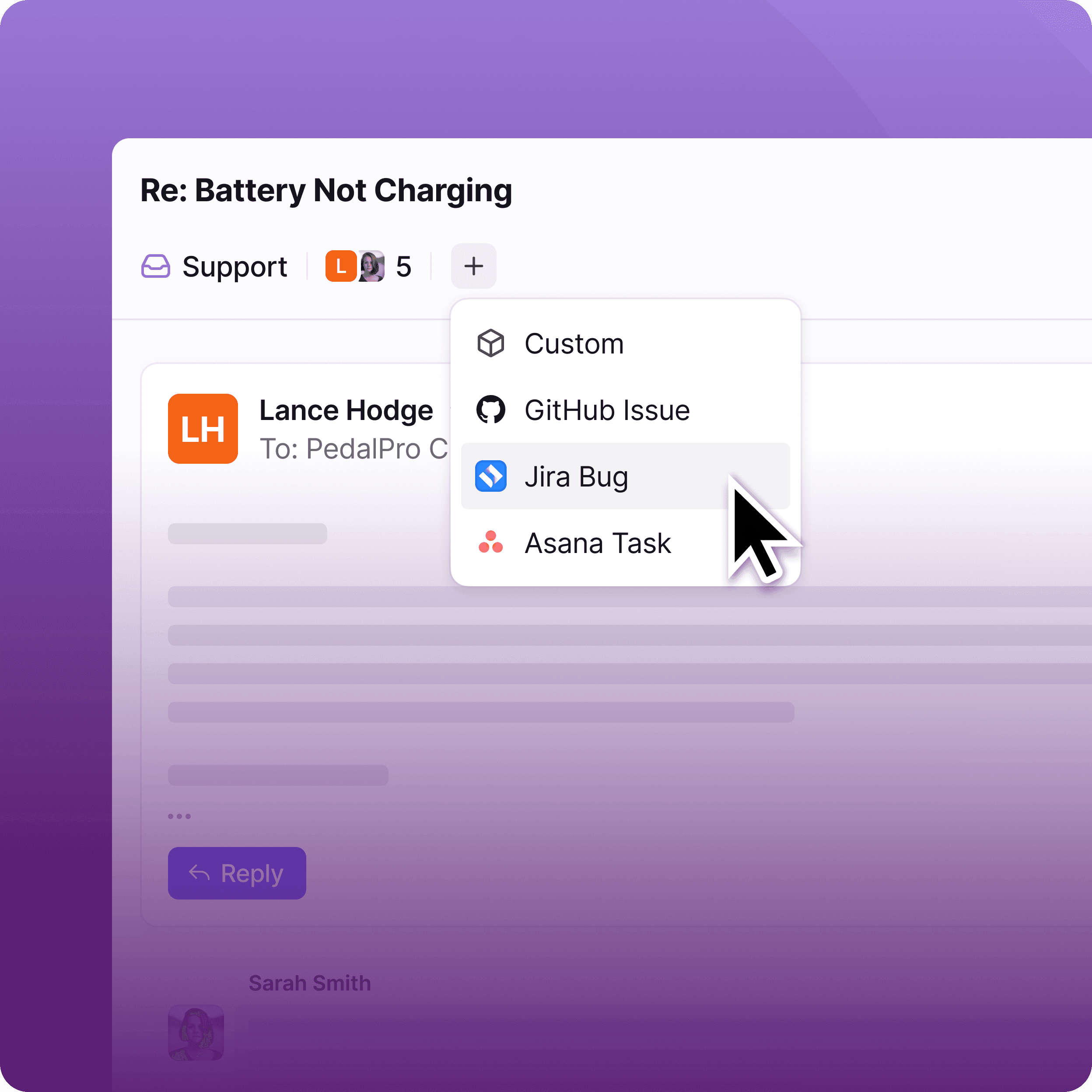
Say it once, track it everywhere.
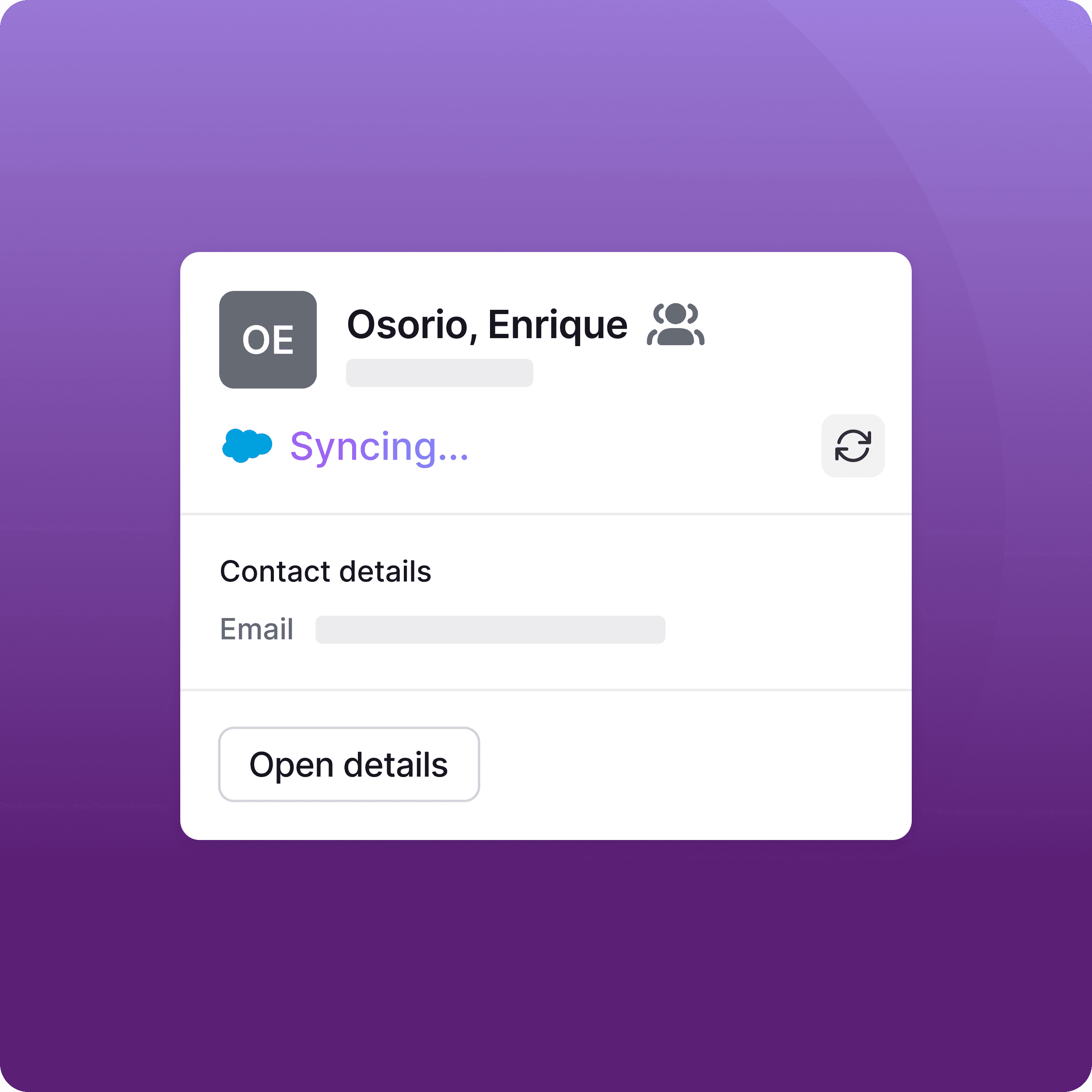
Your CRM shouldn’t slow support down. Now it won’t.
Explore the platform that makes complexity easy with a powerful API and integrations.


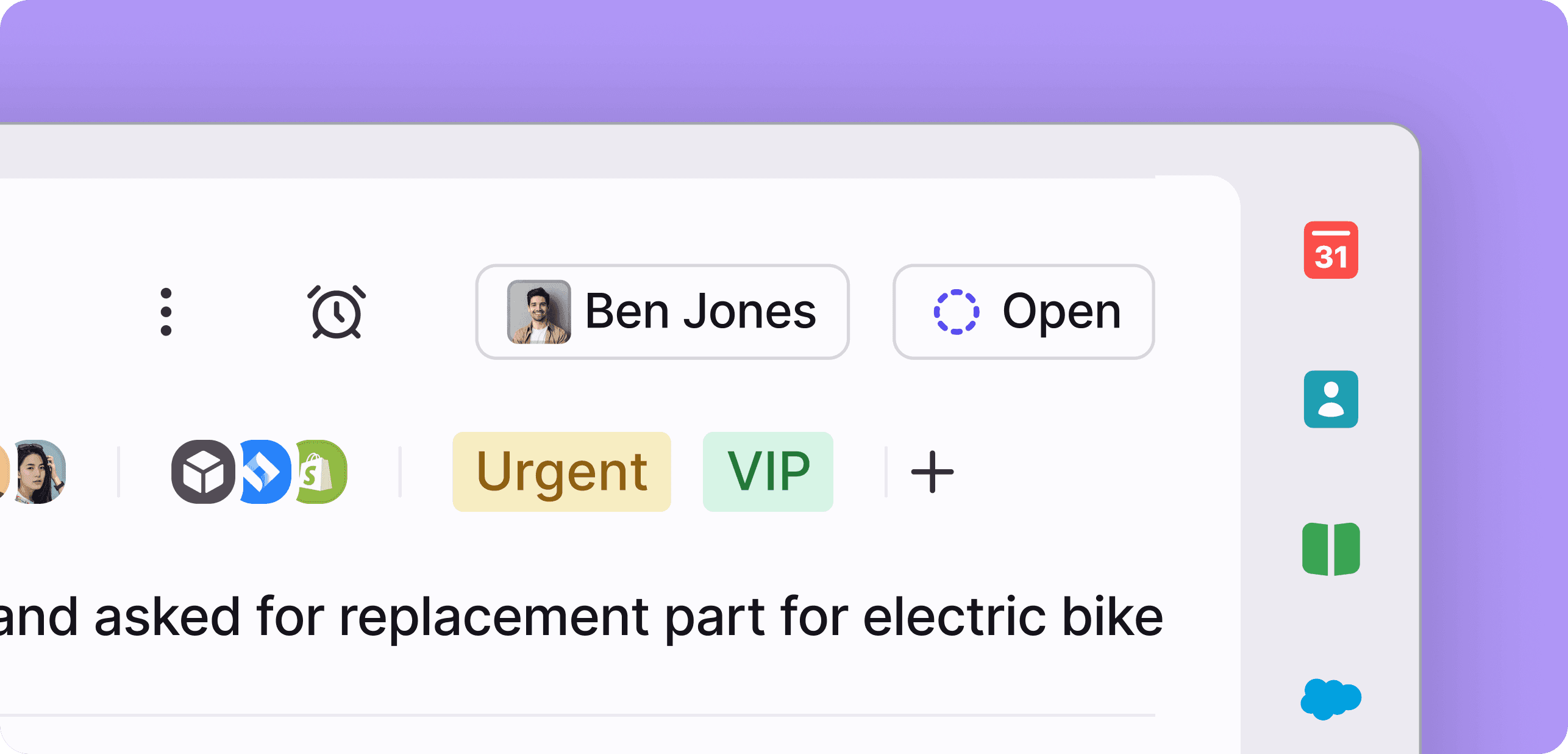

Ready to tame the insanity? Come to Front.

Frequently asked questions
Can’t find the answer here? Our support team is happy to help.
Front integrates with 160+ customer service apps and business systems. It pulls real-time data from tools like your CRM, TMS, or project management system, directly into conversations. That way, teams see live context—account details, order status, project updates—inside Front without switching between customer service apps.
Yes. Front connects customer service apps and backend systems into AI-powered workflows. Using integration data, Front can route conversations based on CRM attributes, trigger updates in tools like Jira or Asana, and automatically log interactions back to Salesforce or HubSpot. This lets work move across customer service apps and Front without manual data entry or context getting lost between tools.
Look for deep, operational integrations—not just surface-level syncing. Front pulls real-time data from customer service apps and other systems into the conversation, uses that data to power AI routing and automation, and keeps changes synced bidirectionally. Updates made in Front reflect back in your connected customer service apps and CRMs, ensuring teams always work with current information and your systems stay aligned end to end.
Front integrates with 160+ different tools and channels. See the full list here.
Integrations and APIs refer to the structured ways systems connect, share data, and trigger actions across tools and platforms. They define how software communicates, often through REST APIs over HTTP, enabling secure connection between systems like your CRM, Salesforce, support platforms, and other business apps. Together, they allow teams to integrate real-time data, automate workflows, and keep systems aligned without manual syncing.
Strong integrations ensure accurate data, faster automation, clear ownership, and operational consistency, even as complexity, volume, and cross-team coordination increase.
Different API services enable systems and apps to connect, exchange data, and automate processes through structured integrations and API connections. Common API services include public APIs for external integrations, private APIs for internal systems, and iPaaS solutions that help manage multiple integrations across workflows. In B2B environments, these services reduce data silos, streamline workflows, and ensure systems stay aligned in real time.
Front’s modern customer operations platform leverages our API and integrations to connect systems, automate workflows, and keep complex B2B customer work synchronized across teams and tools, without adding operational overhead.
They are built to power real operational workflows, not just basic data sync. Through our flexible, robust REST API and 160+ integrations, Front connects your CRM (including Salesforce), core apps, and external systems directly to customer conversations.
This allows teams to integrate live data into workflows, automate cross-system actions, and eliminate data silos. Unlike disconnected tools or one-off connectors, Front’s approach to integrations keeps conversations, ownership, and backend data aligned in real time across teams and systems.