




Compare the 7 best customer experience (CX) software platforms for 2026 and find the right CX tool for mid-market and enterprise teams.
Today’s support specialists face the pressure of keeping up with tickets and requests in the face of channel context gaps and an ever-growing volume of messages. And the right customer experience (CX) software can be the difference between spiralling support and service that shines.
In this guide, we lay out the role CX platforms play in support and showcase the best options for 2026.
What customer experience software does for your team
CX software helps teams manage, measure, and improve every customer interaction, from first contact to ongoing support.
Marketing is the team that brings customers in, and ticketing agents tackle support issues. CX platforms connect these teams, making it easier to collaborate and maintain consistent, personal communication across every channel.
The right CX tool will facilitate:
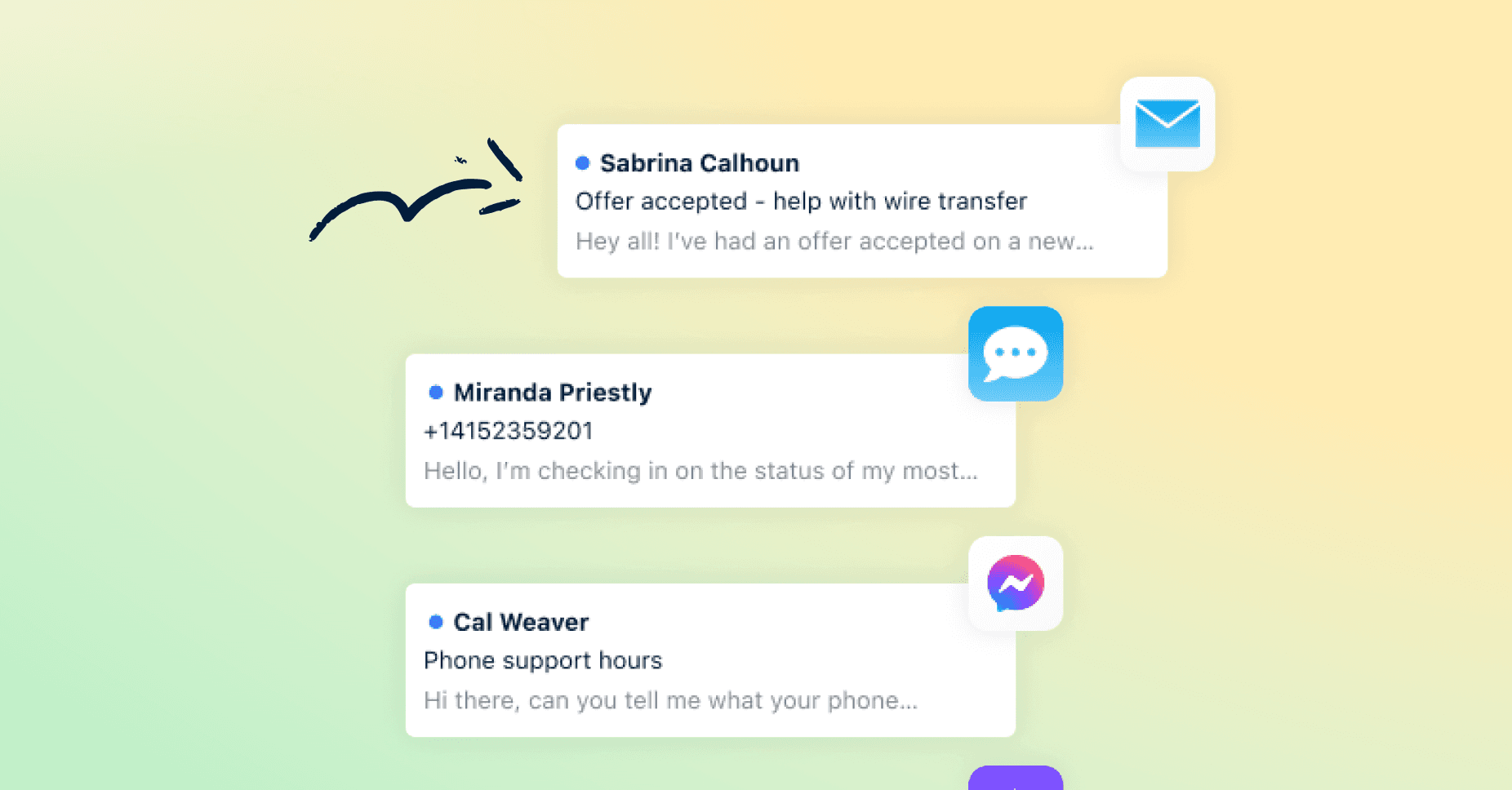
Centralized communication: All your email, chat, and social messages show up in one place — no more juggling tabs.
Shared visibility: Everyone sees the same customer story, so no one has to ask the same questions twice.
Automation and AI-powered analytics: CX platforms sort and categorize incoming requests automatically, and AI-powered analytics help to personalize support and predict customer needs.
Collaboration: Sales, support, and account managers can all jump into the same thread, swap updates, and address pain points before they become a problem.
Key features of top customer experience platforms
Bold fonts and shiny new features will make any tool look appealing at first glance. But when those features stall or glitches show up, you’re right back to shopping for a new CX platform.
Skip any potential headaches by looking for these must-haves:
Unified inbox and conversation history: Your team works from the same playbook, making scattered screenshots and half-remembered threads a thing of the past.
Real-time collaboration tools: When someone needs backup, they get it instantly. No status meetings, no “let’s circle back later.”
Integrations with CRMs and business systems: Customer details flow in automatically, so responses land with context instead of guesswork.
AI and automation: Routine tasks take care of themselves, freeing your team up to handle situations that require extra thinking.
Security and scalability: The system stays stable as you grow, preventing your workflow from crumbling the moment volume spikes.
The best customer experience software options
To help you choose the right customer experience management software, we’ve put together a list of 2026’s best offerings. Here are our top seven picks, why they made the cut, and which teams they actually work best for.
1. Front
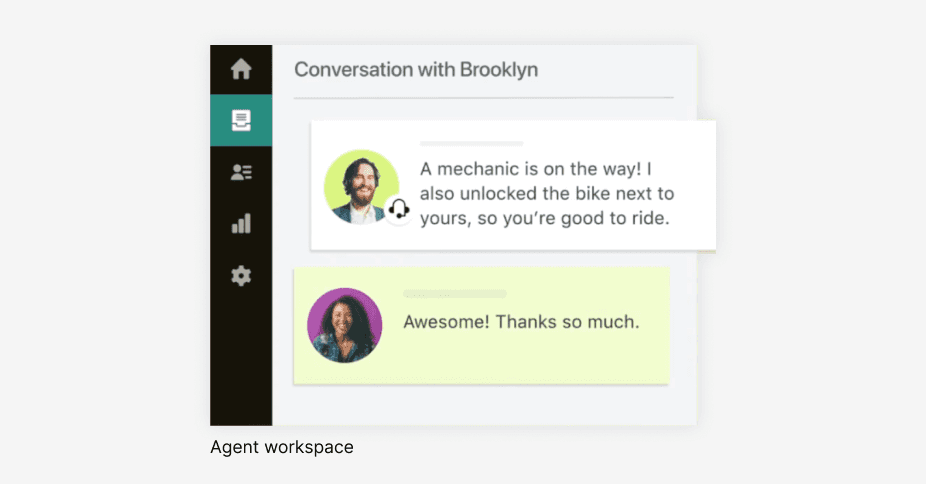
Front treats every customer interaction as part of an ongoing conversation, not an isolated ticket. This means teams get the full context they need across email, chat, SMS, and social without switching between systems or losing track of what’s already happened.
Unlike tools built around individual queues, Front creates a unified workspace where support, sales, and account management collaborate in real time. When someone needs backup or context from another team, they can pull them into the conversation instantly through assignments and internal comments.
Why Front:
Teams can design workflows, configure automation, and adjust settings directly in Front without technical resources or extended implementation timelines.
Front’s AI analyzes conversations across your entire operation to spot recurring issues, suggest knowledge base updates, and help teams resolve problems before they escalate.
Customer profiles provide the full context of a user’s journey through your company, and in-thread comments let you loop in teammates with a quick @mention.
Best for:
Mid-market, customer-first B2B teams that want to scale collaboration quickly will feel right at home with Front. For instance, Jérémie Monney, CEO of financing platform Milenia, credits Front’s collaboration features for his company’s success: “We can ensure a more qualified follow-up, ask a colleague for help with a reply, or, with a simple click, ensure the customer gets the best help possible. We can do all that from anywhere — whether we are in Europe, the United States, or anywhere in the world, any member of our team can intervene, anytime, directly in Front.”
2. Zendesk
Zendesk centralizes communication and can handle high volumes, and its large ecosystem is well established, making it easy to adopt. But we’ve already mentioned how legacy tools lag, and Zendesk is no exception. It requires tickets to be sorted manually, delaying customers and creating extra work for agents.
Why Zendesk:
Zendesk might be a legacy tool, but it comes with a large, well-established ecosystem and wide adoption.
Its extensive CRM and analytics integrations mean you rarely need to look for alternatives to make your stack work together.
Best for:
Teams with a large enterprise customer base that can manage a steep learning curve and manual ticket sorting.
3. Konnect Insights
Konnect Insights combines social listening, omnichannel ticketing, and BI reporting in one CXM platform. It helps teams track sentiment and conversations across social channels before they become support tickets. Its KRC AI layer automates sentiment analysis and routing, while built-in dashboards reduce the need for a separate analytics tool.
Why Konnect Insights:
It brings social listening and support into one system, helping teams avoid channel silos.
KRC automates sentiment scoring and routing, while built-in dashboards provide ready-to-use reporting.
Best for:
Mid-market and enterprise teams managing brand reputation across social channels that want listening, support, and reporting in one platform.
4. HubSpot Service Hub
Service Hub integrates customer service into HubSpot’s broader marketing and sales ecosystem, making it good for teams already using HubSpot’s CRM. Customer data flows between departments without manual syncing, though teams focused primarily on support workflows may find it less feature-rich than dedicated customer service platforms for advanced routing or collaboration.
Why HubSpot Service Hub:
Automation saves time by routing tickets and sending replies automatically, with follow-ups triggered by status or priority.
It’s easy to use, with the full customer history stored in one place for quick reference.
Best for:
Small teams that only need basic ticketing and email communication.
5. Freshdesk
Freshdesk is a customer experience solution that delivers clean, simple ticketing in a cloud-based package. Omnichannel messaging, automated query rules, and customer satisfaction score (CSAT) — it ticks off all the basics. But when you need to scale, it can hit a wall pretty quickly.
Why Freshdesk:
Easy to set up and start using right away, without getting bogged down by unnecessary advanced features.
Ticket workflows are quick and intuitive. It’s simple to set company-specific queues by email domain and assign support agents where they’re needed.
Best for:
Small teams looking for a simple, cost-effective solution without advanced features they won’t use.
6. Salesforce Service Cloud
Salesforce Service Cloud is a powerful customer experience management platform that offers omnichannel support across email, web chat, SMS, and socials. It features a highly scalable infrastructure, strong customizability, and AI agent tools that support service teams with case management through automation. But the platform also has a steep learning curve and can be quite costly, which can make it less suitable for small and midsize businesses.
Why Salesforce Service Cloud:
Omnichannel support allows service teams to communicate with customers across a wide variety of platforms.
Includes the Service Console, a unified workspace that aids support specialists with collaboration.
Best for:
Medium and larger organizations looking for robust integration capabilities and that prioritize scalability.
7. Help Scout
If your support runs on email, Help Scout could be a good fit. It offers tagging, shared inboxes, a knowledge base, and a simple AI support agent. Teams that primarily communicate through email will appreciate its simplicity, but those needing extensive cross-functional collaboration, AI that learns from organizational context, or granular analytics may find its feature set more limited.
Why Help Scout:
Its intuitive shared inbox with organized threads and built-in visibility takes a major load off your plate.
Live chat and email widgets support customer-facing teams by handling complex daily inquiries.
Best for:
Small, email-heavy support teams that can manage daily chat and email volume without relying on AI automation, since it lacks full-context intelligence.
How to choose customer experience software that fits your team
More isn’t always better. Using one tool for marketing, another for support, and another for analytics can fragment your data, harming your customer engagement and experience strategies.
To find the right solution for your team, try this framework:
Test collaboration depth: Mid-sized and large teams need efficient handoffs and full customer history. Most dashboards won’t show you this, but the numbers are hard to ignore. The typical B2B company spends nearly 3 hours coordinating for every hour actually solving customer problems. Nearly two-thirds reported at least one customer-facing coordination failure in the past three months: context lost between handoffs, customers asked to repeat themselves. That’s the real cost of shallow collaboration tools. When evaluating customer experience software, ask for a demo of the platform’s collaboration features, or stress-test it yourself in a free trial.
Maintain centralized context: Multichannel support only works when you pull every interaction from the same customer history. Make sure CX software helps you understand why someone’s reached out, how long they’ve been a customer, and what interactions have happened before.
Consider your automation needs: Not every task should be automated. Random or poorly planned automation frustrates customers looking for a human response rather than a robotic script.
Check scalability options: Choose a CX tool that can grow with you. Make sure it supports more users, more support specialists, and more customer conversations.
Scale exceptional customer experiences with Front
If your team is juggling channels and tools, the cracks in your support offering will show up fast.
Front fixes that by placing every piece of customer context where your team can actually use it. It facilitates sharper automation, quicker decisions, and AI replies that feel genuinely personal. Add AI assistance and always-on visibility, and your team delivers the same quality whether handling 50 conversations or 500.
Ready for a CX platform that’ll help your service shine? Try Front for free today.
FAQs
How does personalization work in customer experience software?
Customer experience software personalizes interactions by using data like past purchases, preferences, and behavior to tailor messages and support. This ensures every customer gets relevant, timely, human responses across channels.
What’s a customer experience analytics platform?
Customer experience analytics platforms collect and analyze data from interactions to show trends, satisfaction scores, and bottlenecks. The right platform will help teams make data-driven decisions that improve service, streamline workflows, and boost customer loyalty.
How are CX and CRM different?
CX refers to a customer’s entire experience of a company’s brand, taking into account their emotions, expectations, and satisfaction level. CRM is how companies manage customer relations, interactions, data, and sales. Essentially, CRM software is the tool that enables a better CX.
What’s the difference between CRM and CSM software?
CRM software helps teams manage customer interactions, including sales and any support they might require. Customer success management (CSM) software is a specialized post-sale tool that supports companies in their attempts to increase customer retention and loyalty. The two tools are often used together as part of a wider CRM strategy.