


Request screen recordings from any conversation
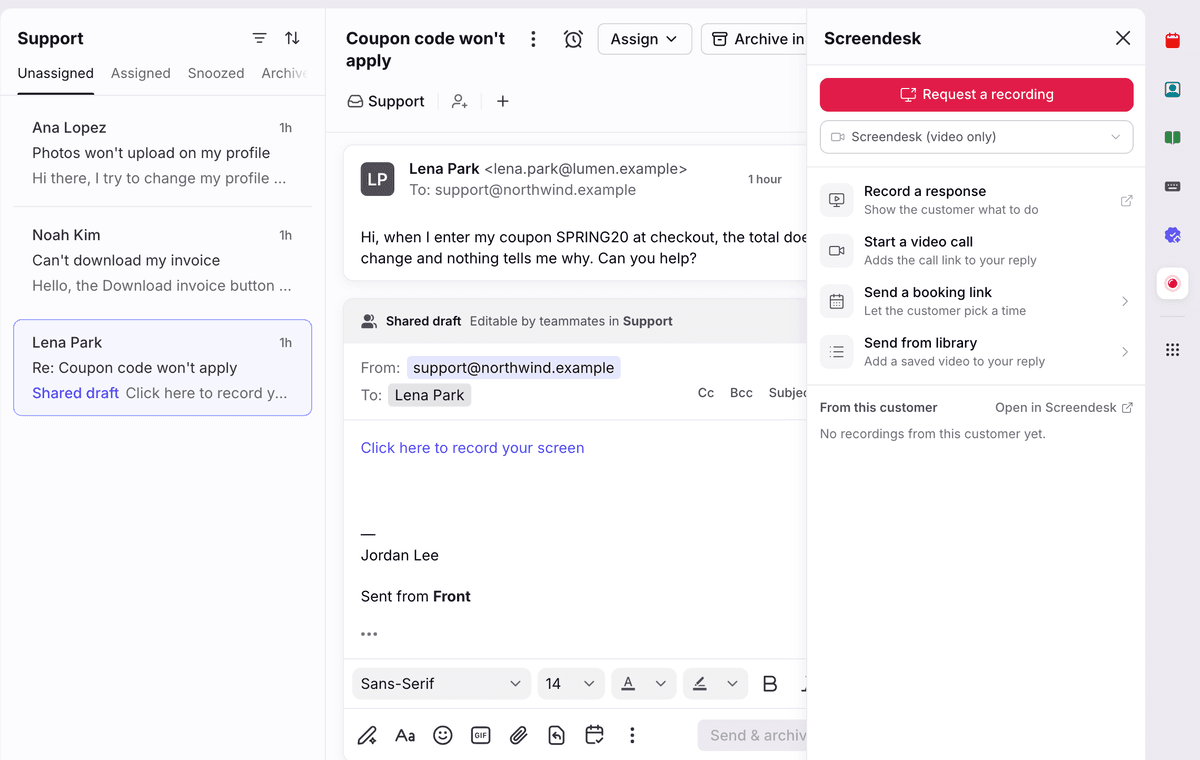
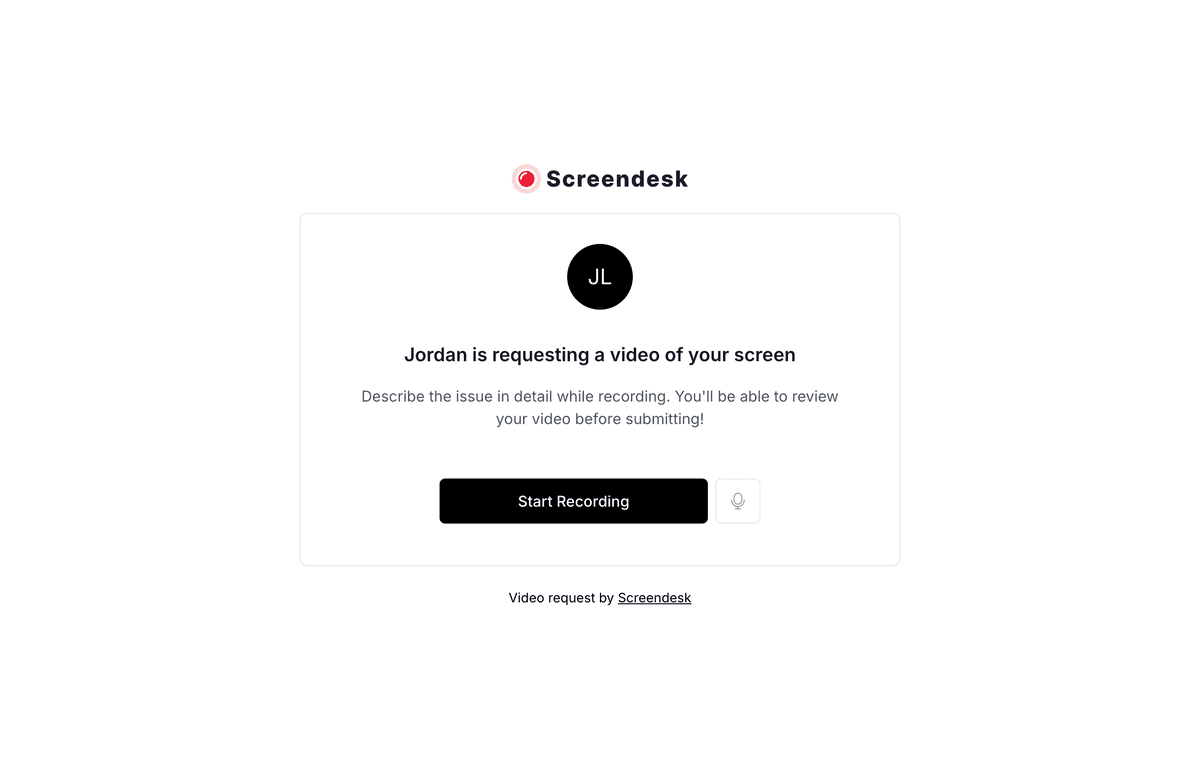
Screendesk helps support teams understand customer issues through browser-based screen recordings, with no customer account or installation required. Website recordings can include console logs and network requests. Teams can also record video replies, start video calls, and send booking links.
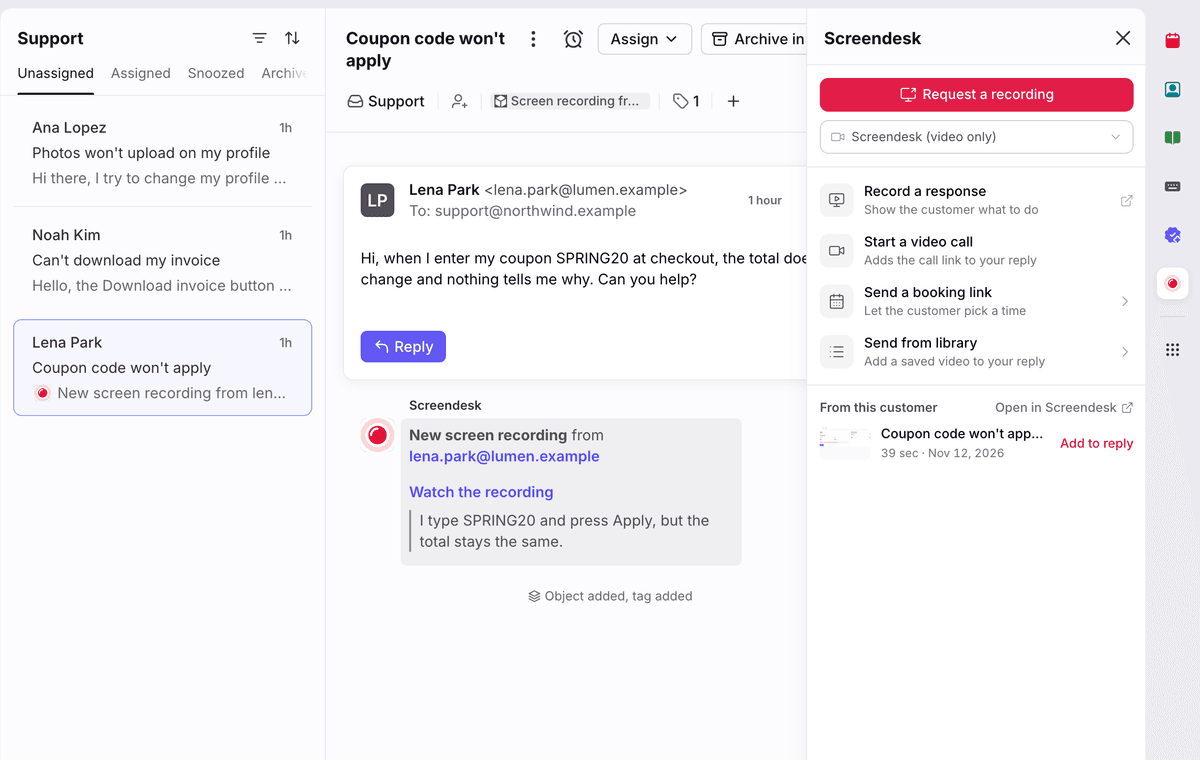
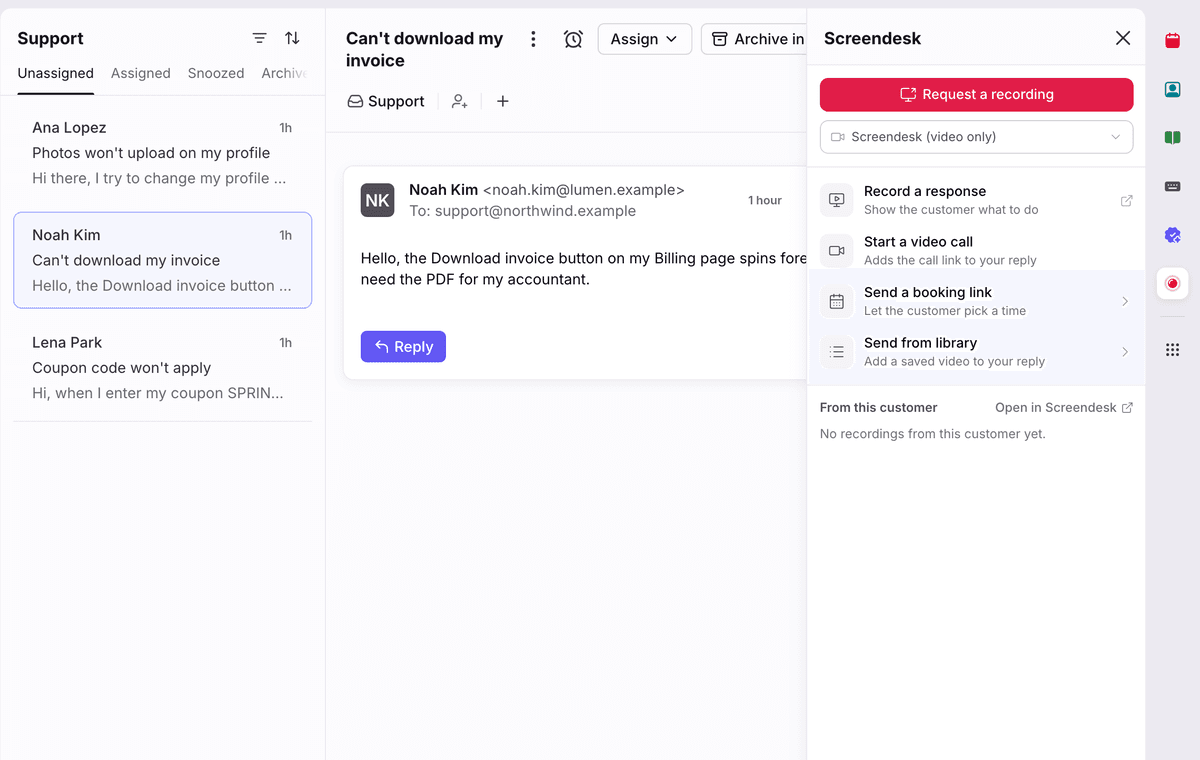
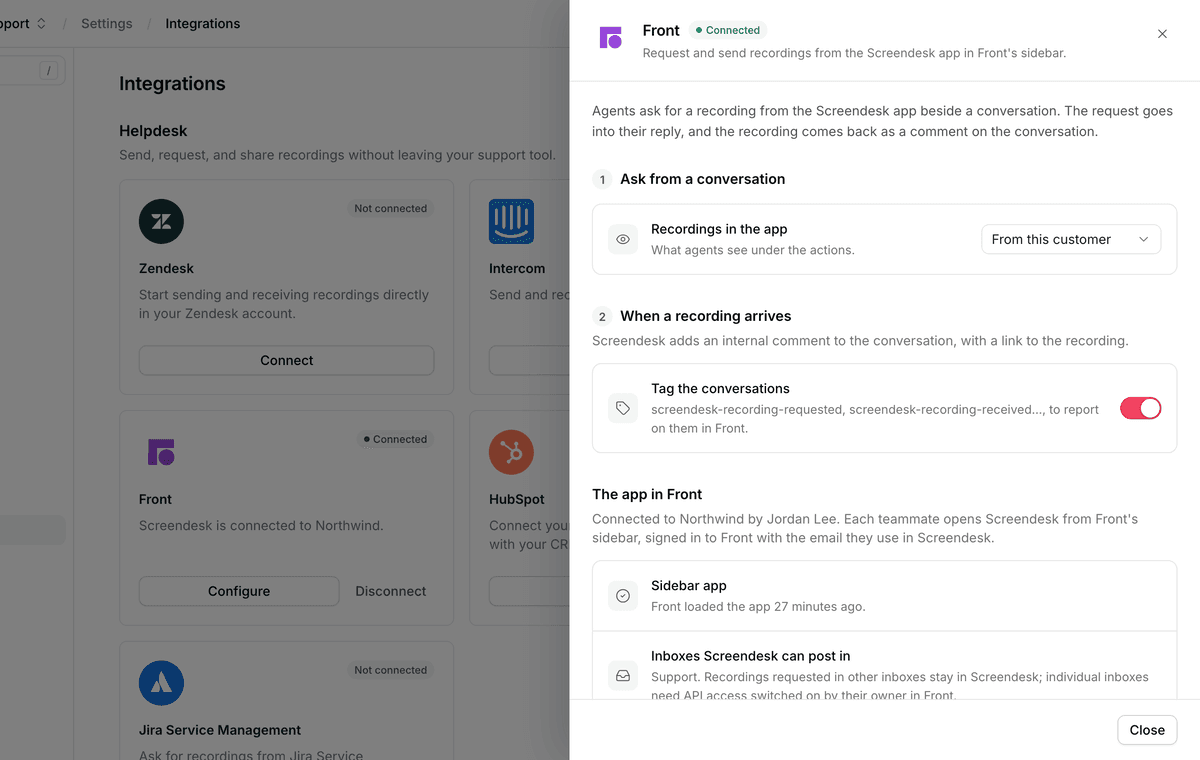
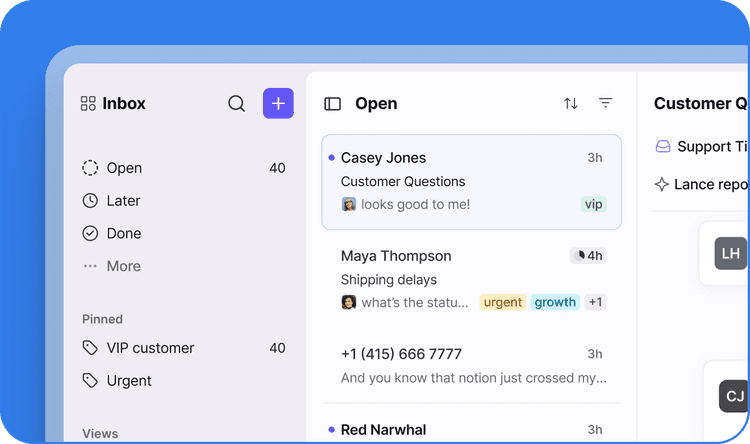
Screendesk lets teams request and view customer screen recordings from Front conversations, helping them understand issues without leaving their inbox. Recordings return to the conversation as internal comments with a link and a tag. Teams can also record video replies, start video calls, send booking links, share saved videos, and view earlier recordings from the sidebar. With AI resolution enabled, Screendesk adds its investigation as an internal comment and suggests a reply in the sidebar.
Click here for a video overview